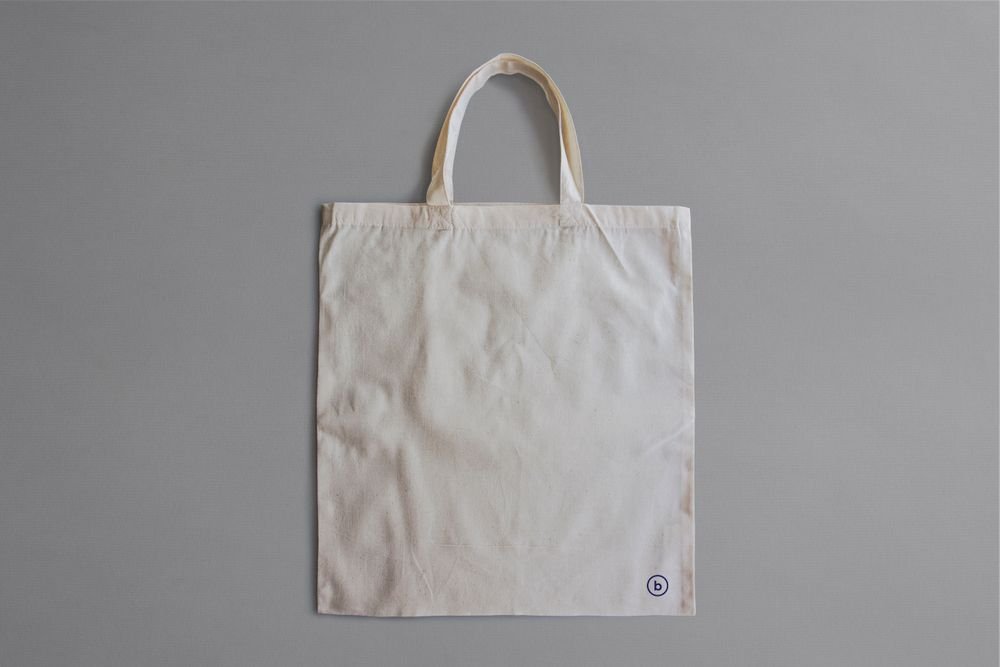
Canvas Tote
$14
NEW — 24 apparel mockups added this week · Free lifetime updates on every purchase · Instant download after checkout
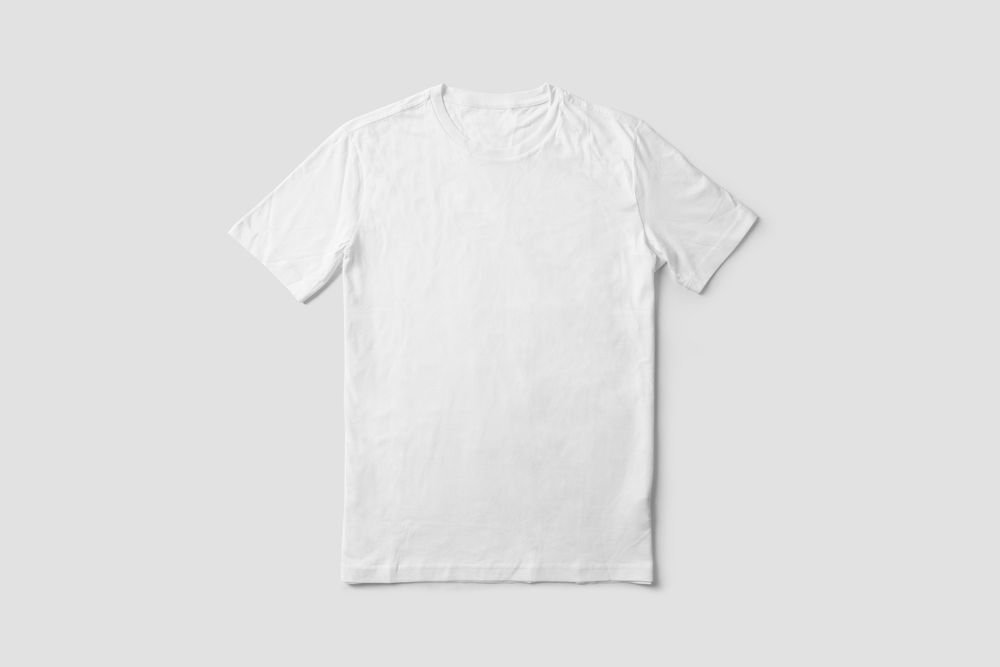
1 / 6 — Studio Flat
Build an apparel presentation that moves from clean studio light to real-world context. Everyday Tee Mockup Set brings six scenes together: a studio flat, a sunlit wooden floor, a hanger shoot, an in-hand close-up, a boutique rack and a model shot.
Use the set to test how one print behaves across surfaces. The studio scenes isolate shape and fabric, the lifestyle scenes add context, and the model shot shows scale and drape on a real person.
Lead with the studio flat to show artwork cleanly, follow with the model shot to demonstrate fit, then close with the boutique scene for retail context. The wooden-floor and in-hand scenes work as supporting images for listings and lookbooks.
Editing controls differ per scene. The studio and hanger scenes expose garment colour and artwork placement; the boutique scene also includes background and rack colour controls. Movable objects are marked in each scene preview.
Open the PSDs in Adobe Photoshop CC2020 or newer, or free in Photopea. Insert your artwork into the Smart Object, save, and the scene updates — shadows, folds and fabric texture stay intact. Adjust artwork placement per scene rather than copying the same crop everywhere.
Apparel designers, print-on-demand sellers, merch drops and client presentations that need several complementary settings.
This is a digital mockup set, not a physical garment. Sample artwork shown in the previews is not included.
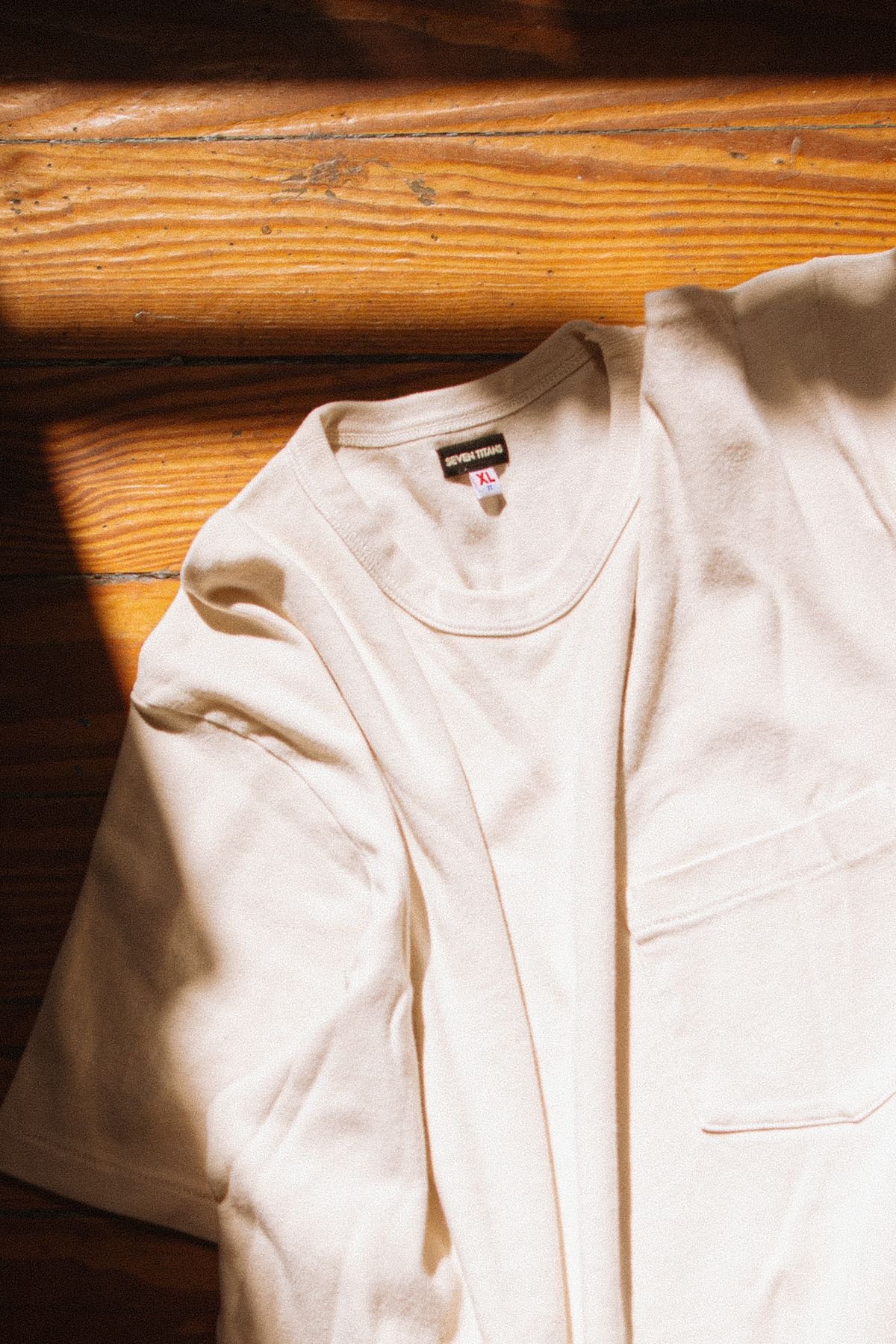
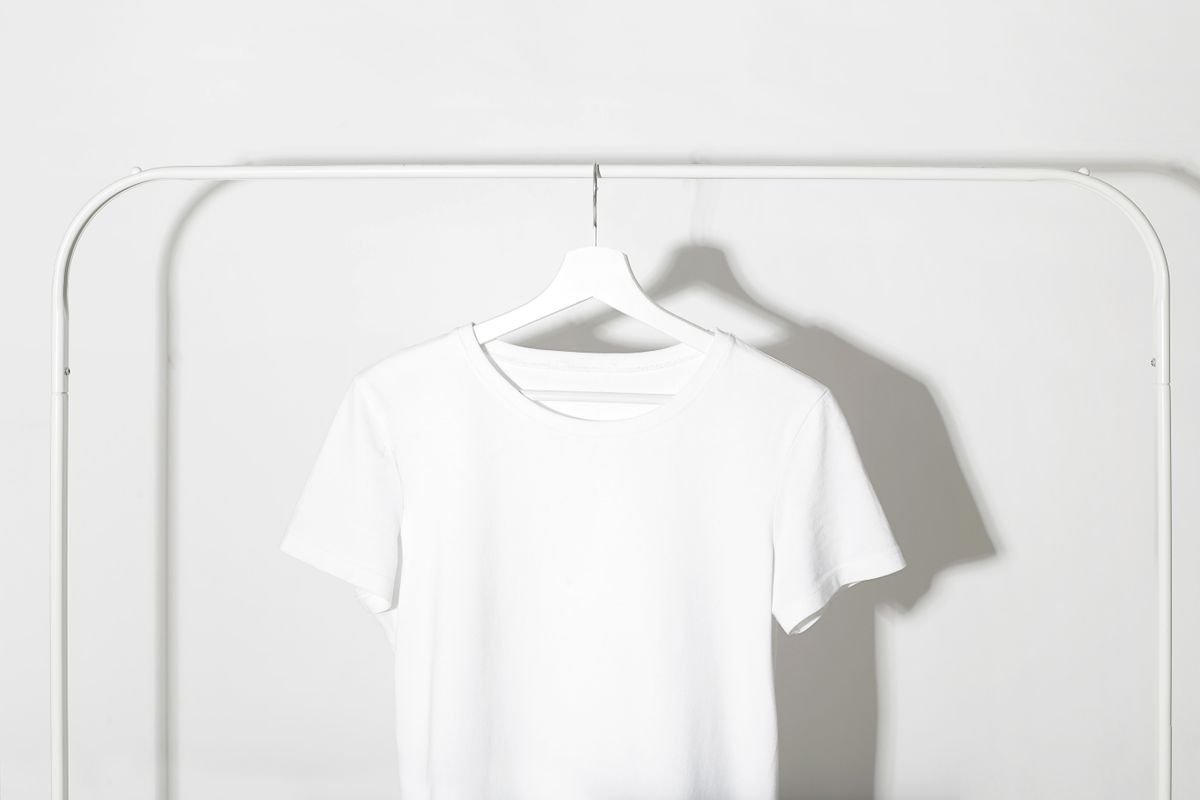
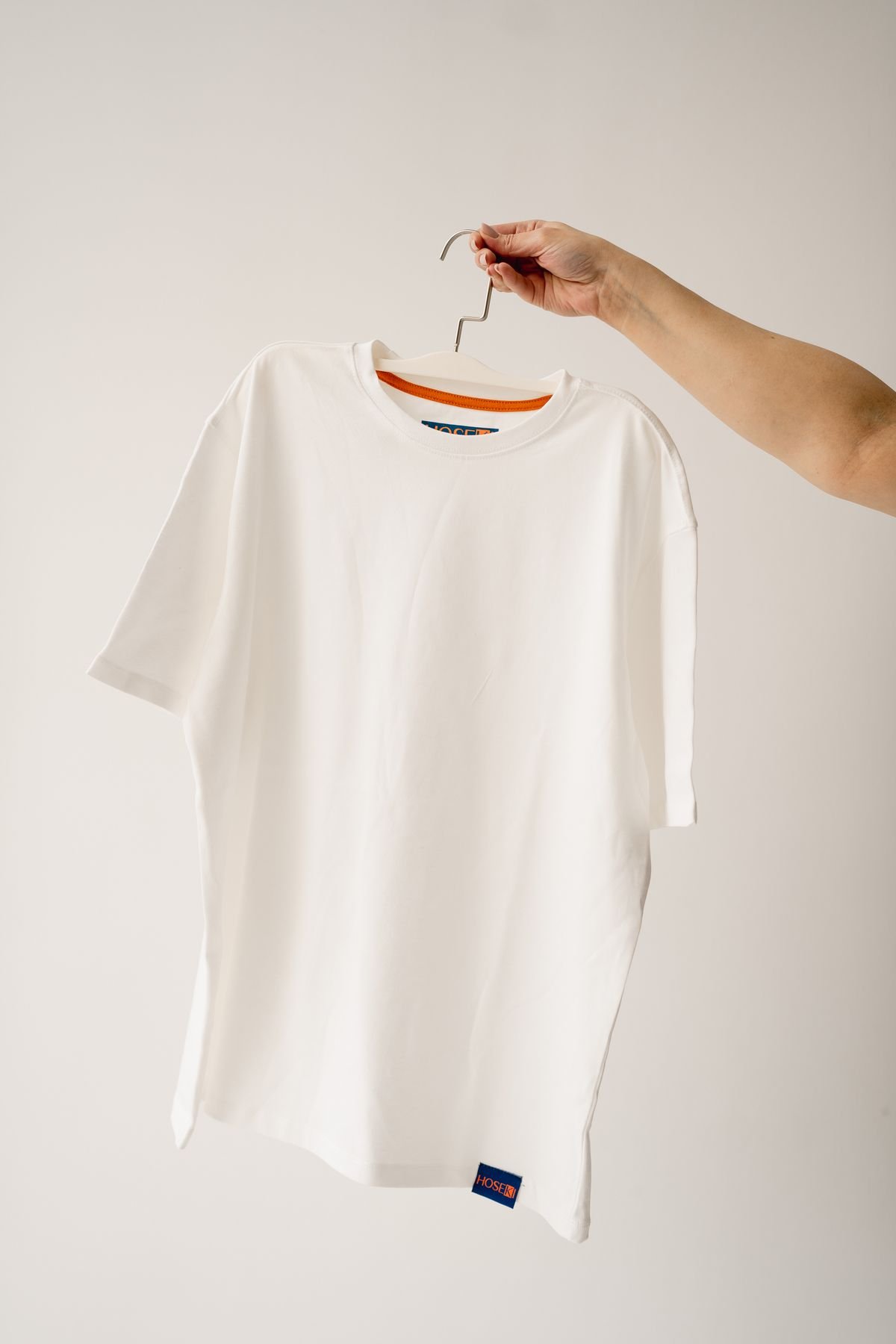
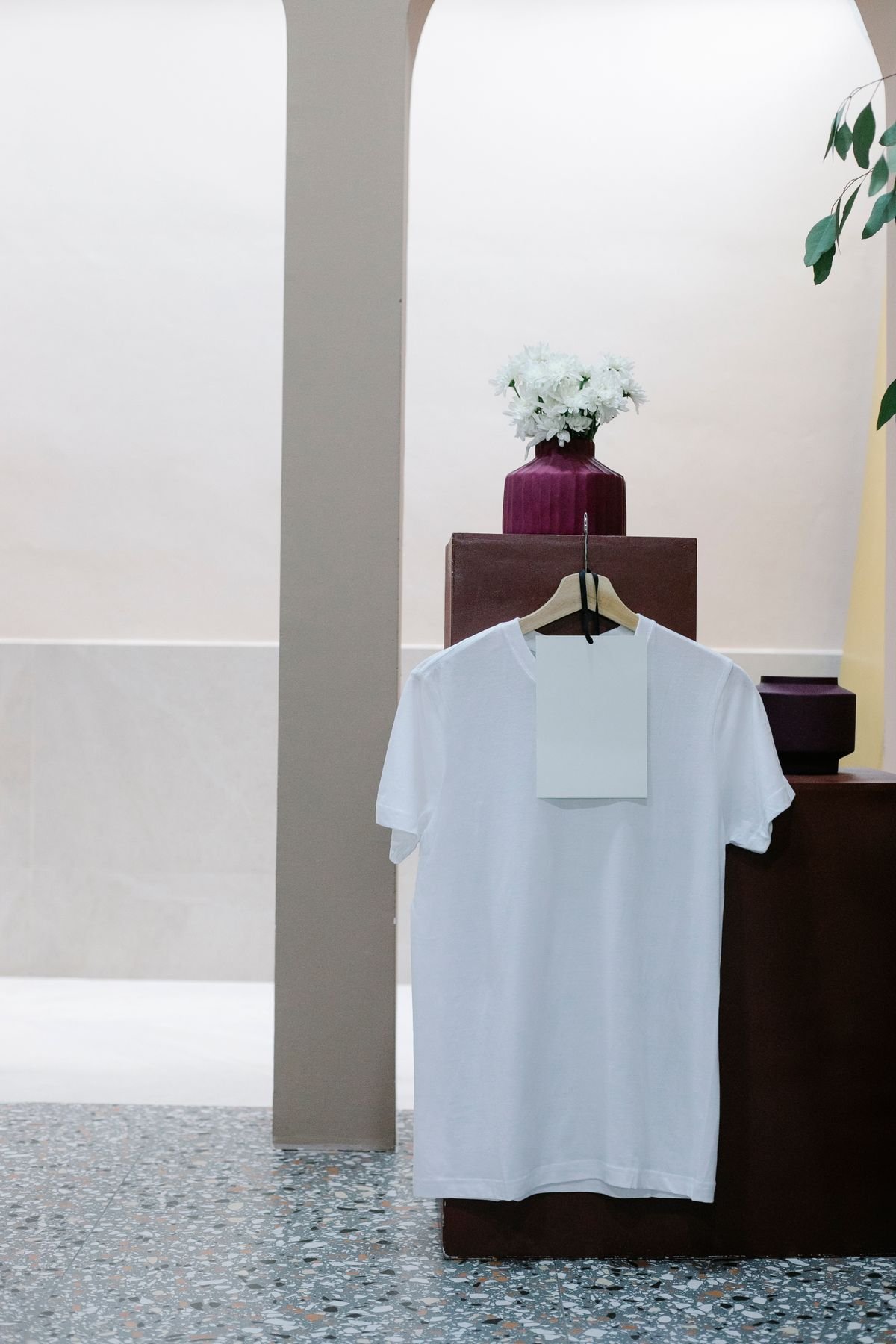
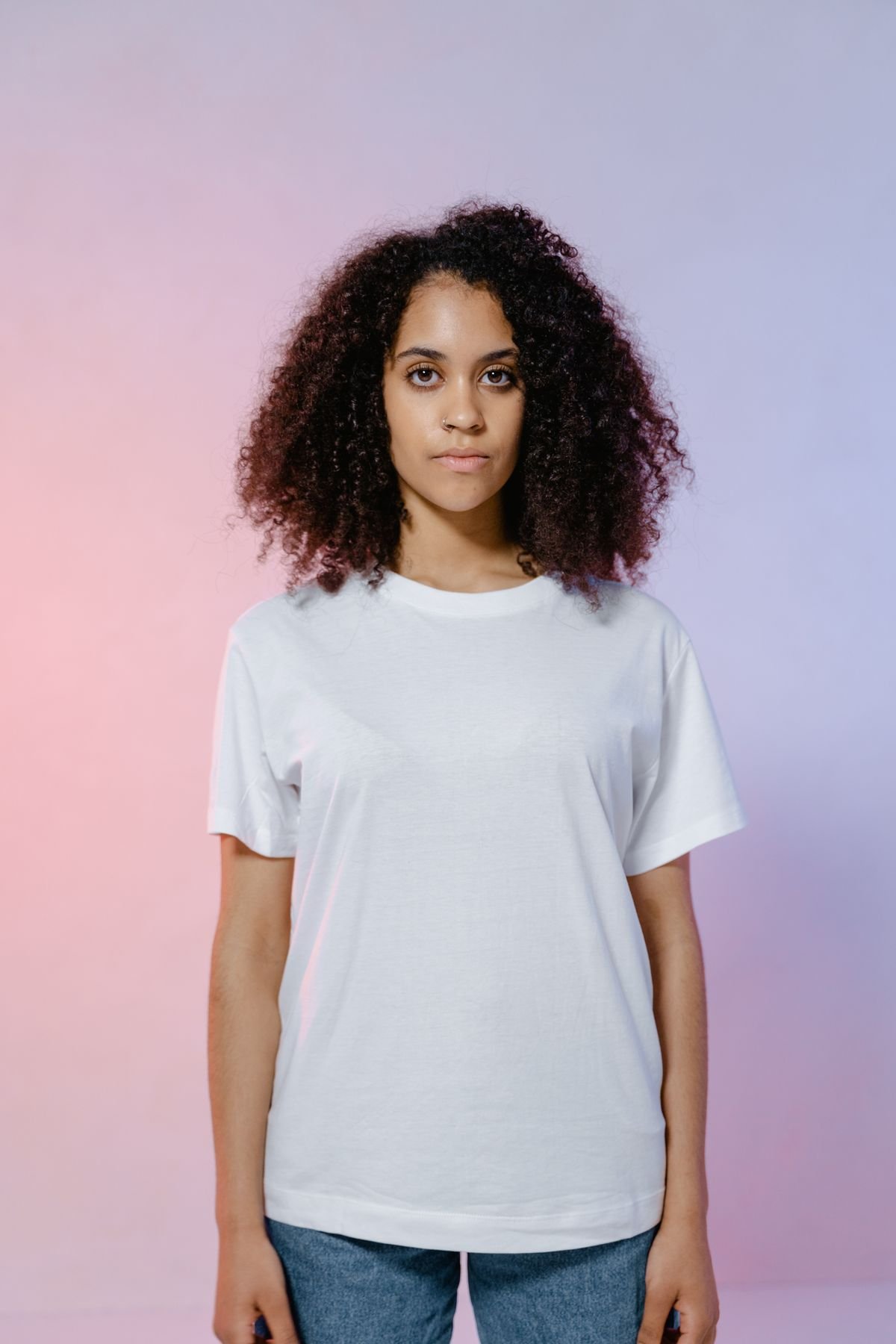
Open with the studio flat, show breadth with the boutique scene, then close with the model shot for context. Each scene has a role, while the same palette and artwork keep the set coherent.
Print-on-demand sellers preparing listings, apparel brands building merch mockups, and designers pitching seasonal concepts across several compositions.
Keep one recurring motif or accent colour across the scenes, but adjust placement to the visible garment area. Review the final images at their display size — fine detail can work close-up yet disappear against busy backgrounds.
These PSDs communicate artwork, colour and direction. They are not cut-and-sew patterns or a substitute for material and colour proofs.
6 layered PSD scenes at 300 DPI plus 6 JPG previews — 12 files; four scenes at 5620 × 4000 px, one at 4000 × 4000 px and one at 4000 × 5620 px; Photoshop CC2020+ or Photopea; Smart Object editing; organised layers.
How many scenes are included? Six. Are all objects movable? Controls differ per scene — scene previews mark movable objects. Is the sample artwork included? No, the previews demonstrate the files only. Do I need Photoshop? No — Photopea works in a browser.
Included / 6
Six scenes, twelve files — each one also available individually if you only need a single setting.
Related products
How it works
No tutorial needed. If you can copy-paste, you can use this set.
Double-click the Smart Object inside the PSD — in Photoshop, or free in your browser with Photopea.
Drop in your pattern, print or artwork. Any design, any style.
Hit save — the mockup wraps it in for you. Shadows, folds and lighting included.
Edit once and you're done. Your artwork drops into a smart object and every scene updates itself — no masking, no manual warping.
Named layers and folders you can actually navigate. Find what you need, change what you want, get out fast.
High-resolution files built to hold up on screen and in print — 300 DPI, sizes listed above.